
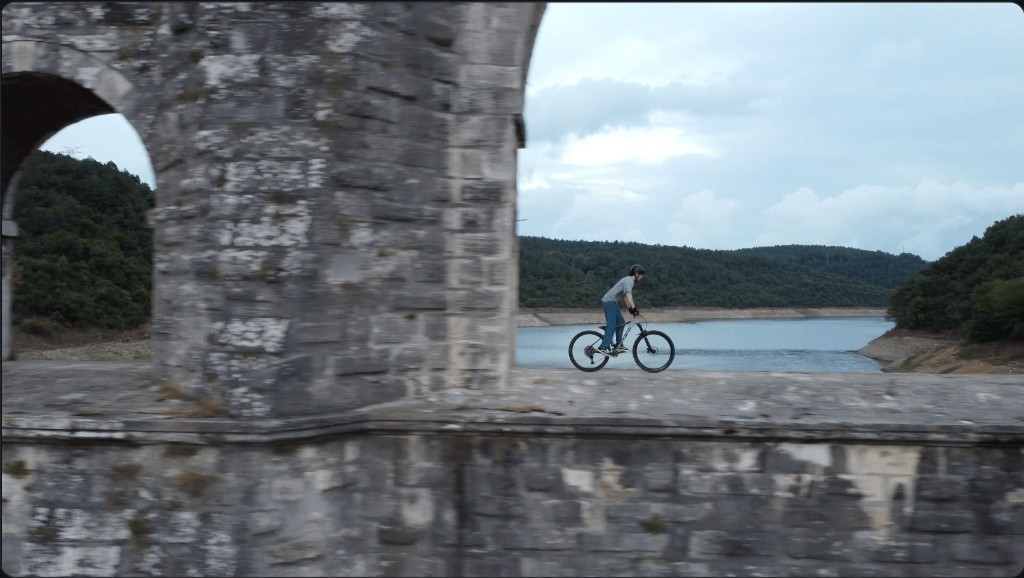
Upload video
Drop an MP4, MOV, or WebM into ObjectRemover AI. Start with a short clip—Free trial supported, no login required.
Free video object remover for short clips. Upload MP4/MOV/WebM, brush the object on a clear frame, track it across the clip, and download a clean result—no project library saved.
Remove object from video or image
or choose MP4 / MOV / WebM, or JPG / PNG / WebP
Videos play in sync · Drag left / right to compare
Drag the slider to compare the original clip with an ObjectRemover AI result. Brush the object on a clear frame, let AI rebuild the scene, then download a clean MP4.
Drag to compare a photo before and after cleanup. Upload JPG, PNG, or WebP, brush the distraction, and download a clean still.


Watch the reveal · Drag to compare anytime
Upload a clip, select what to erase, then download a clean MP4—ObjectRemover AI keeps the workflow visual and free to try.
Drop an MP4, MOV, or WebM into ObjectRemover AI. Start with a short clip—Free trial supported, no login required.
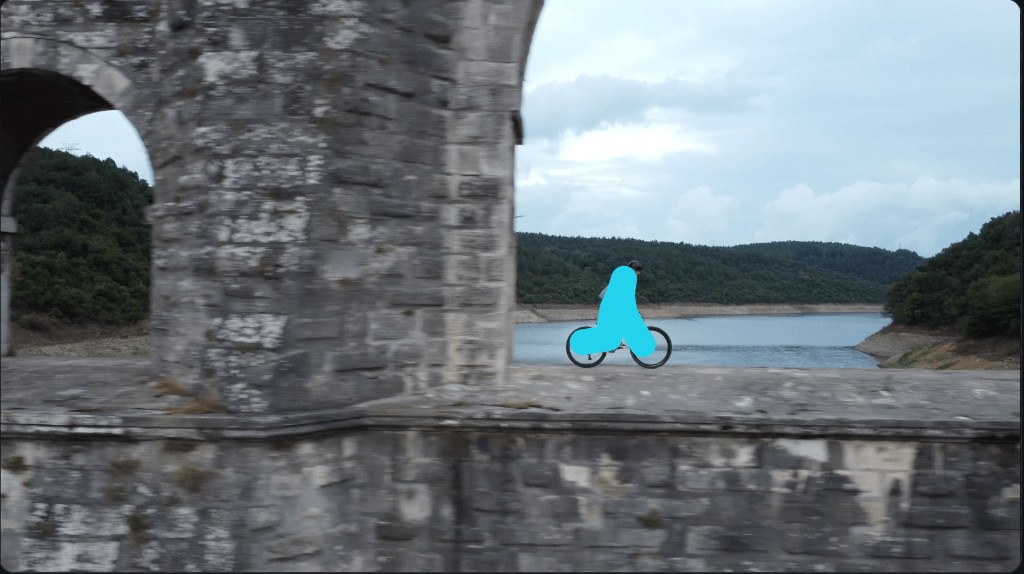
Pick a clear frame and brush over the unwanted object. AI tracks it across the clip so you do not need a perfect outline.
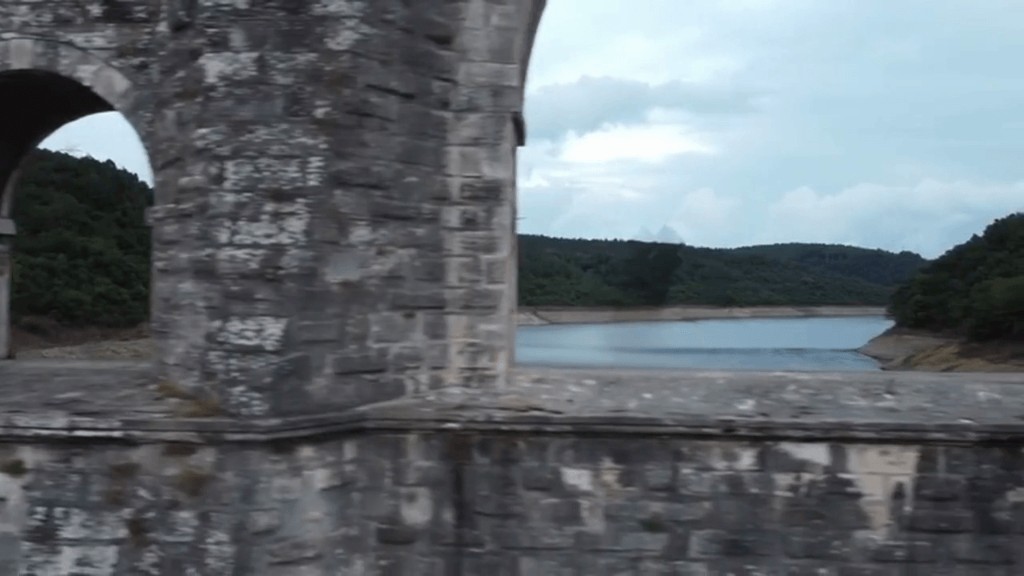
Generate the clean scene, restore original audio, and download your MP4—ready to share without a project library.
Upload a short video, choose the part you want to process, select a clear frame, and brush over the unwanted object. ObjectRemover AI tracks the marked area through the clip, rebuilds the scene, and prepares a clean MP4 to download.
ObjectRemover AI accepts MP4, MOV, and WebM videos up to 100 MB. For the smoothest upload and processing experience, use a short, single-shot clip with the object clearly visible.
The Free trial processes one clip up to 5 seconds and includes one video generation per day. Starter memberships process up to 10 seconds; Creator and Pro up to 20 seconds, with credits for more generations.
Free allows uploads up to 1280×720 and processes them at long-edge 480. Starter and Creator support up to 1920×1080, while Pro supports source-resolution export up to 3840×2160 when the uploaded video is within that limit.
No. Choose a frame where the object is easy to see, then paint a loose mark inside it. Add a little edge expansion when an outline or shadow needs coverage; a precise pixel-by-pixel trace is not required.
ObjectRemover AI works best on short, continuous shots with one clearly visible unwanted object and a reasonably consistent background. Fast cuts, heavy motion blur, objects hidden behind people, and major camera moves can reduce the consistency of the result.
Free trial supports one object per generation. Paid plans can mark up to three objects in the same clip. Choose a clear frame and brush each target; heavy overlap or fast motion can still reduce consistency.
No project library or saved media gallery is created. Video uploads and generated files are temporary and are removed after completion, cancellation, failure, or download. Keep the result in your browser and download it before leaving or refreshing the page.
Yes. Use the image studio to upload a JPG, PNG, or WebP photo, brush the distraction, and download a clean still. Photo object removal is separate from Remove Object from Video Online, with its own free daily quota and credit cost.
Free accounts get 10 image generations per UTC day with no login required, separate from the one free video generation per day. Free image uploads are capped at 1080p and 10 MB; processing is up to 720p.
On paid plans, one video generation costs 30 credits and one image generation costs 1 credit. Credits are shared across photo and video cleanups until your balance runs out; there is no separate daily free-tier cap while credits remain.
Shared credits for photos and videos—plus longer clips, higher resolution, and no daily free-tier caps.
For occasional photo and video cleanups
Billed annually at $106.92
Included with your plan
Download the completed result immediately. Results are not saved and cannot be recovered after you leave the session.
For frequent creator workflows
Billed annually at $287.04
Included with your plan
Download the completed result immediately. Results are not saved and cannot be recovered after you leave the session.
For high-volume, high-resolution work
Billed annually at $779.22
Included with your plan
Download the completed result immediately. Results are not saved and cannot be recovered after you leave the session.
Credits are added each billing period and may be combined across active memberships. Paid plans are billed through PayPal and renew until you cancel. Free video and image quotas are separate daily counters (UTC) and apply per browser even after sign-out. Starter videos: 10s · Creator/Pro videos: 20s · Pro images have no plan resolution cap (25 MB).
Bring a short video moment into focus.